
Most WordPress plugins add additional tables to your WordPress website in order to save settings and data. Unfortunately, most plugins do not delete these tables once you have deactivated them and removed them from your website.
Over time, this can result in your website database have dozens of tables that are not needed. It can be difficult to know which tables are still being used and which are not.
A solution to this is WPDBSpringClean. It is a free plugin that scans your website database and removes unused tables that are not needed by any plugin.
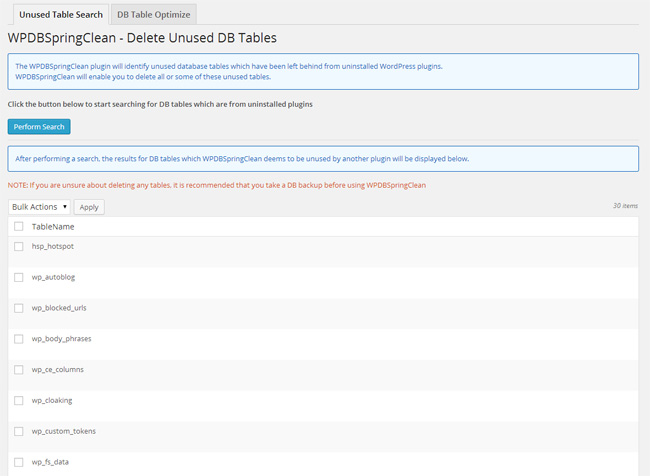
The plugin can also scan your database for tables that have not been optimized. It will then optimize these tables so that your database runs more efficiently.
I recommend installing WPDBSpringClean and checking what tables have been left in your database by plugins you no longer use. I am sure you will find a few tables at the very least.
Good luck,
Kevin
I try it and everything is working. Thanks!
Thank you Kevin! Just want to know is there problem to use this plugin on the last WP 3.9 because it is compatible up to: 3.3.2 ?
I know. It’s very useful. It’s an eye opener into how few WordPress plugins actually give you the option of removing the tables they add to your website database.
Great post Kevin! This is something everyone should be doing. I can’t even tell you how fast my db grows.